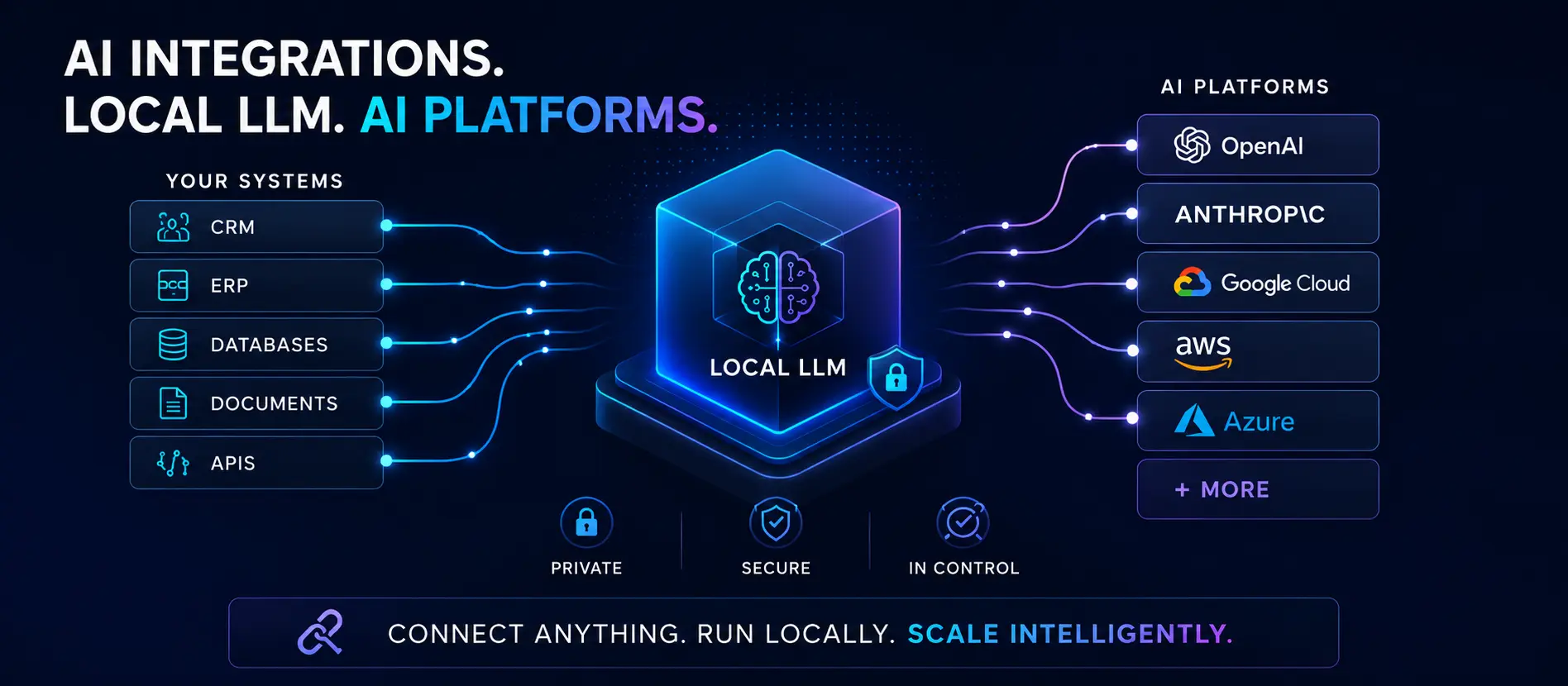
The cloud AI pitch — and its fine print
OpenAI, Anthropic, Google — the big cloud AI providers make AI integration feel simple. Grab an API key, make a POST request, and your app is "AI-powered." That pitch works well for demos. For a production tool handling real customer data — the kind of applied AI feature that actually moves the needle for a small business — it gets complicated fast.
Every prompt you send to a cloud API leaves your infrastructure. Customer names, order histories, support tickets, internal notes — it all travels to a third-party data center to be processed. The providers have privacy policies, but "we don't train on your data by default" is not the same as "your data never leaves your server." For many small businesses, that difference matters.
What a local LLM actually means
A local large language model is a model that runs entirely on hardware you control — a dedicated server, a workstation, or even a capable consumer desktop. Tools like Ollama make deploying models like Llama 3, Mistral, Phi-3, and Gemma about as straightforward as installing software. Your app makes API calls to localhost instead of a remote endpoint. The data never leaves the machine.
The practical implications are significant:
- No data leaves your premises. Customer records, internal documents, PII — all processed locally. This matters for healthcare adjacent businesses, legal workflows, financial tools, and anyone operating under data residency requirements.
- No per-token billing. Cloud APIs charge per input and output token. A busy app querying an API thousands of times per day accumulates real cost fast. A local model has a fixed infrastructure cost and runs as many queries as your hardware allows.
- No internet dependency. Your AI feature works whether or not your ISP is having a bad day, or whether the provider is experiencing an outage.
- Response latency is often lower. A local request to hardware on your LAN is typically faster than a round-trip to a cloud datacenter, especially for shorter generation tasks.
Real-world example: A law firm that wants an AI assistant to draft correspondence from case notes cannot practically send those notes to a third-party API. A local model solves the compliance problem entirely — the data never moves.
Where cloud AI still makes sense
Local models aren't right for every situation. There are cases where cloud APIs are the correct choice:
- You need frontier-level reasoning. The best local models are competitive for many tasks, but for complex multi-step reasoning, the largest cloud models still hold an edge. If your use case demands it, that matters.
- You don't have the hardware. Running a 70-billion parameter model well requires a server with significant GPU VRAM. Smaller models (7B–13B) run on much more modest hardware, but there's still a hardware cost and maintenance consideration.
- You need multimodal capabilities. Local vision and audio models exist, but the cloud offerings are currently more capable and easier to integrate for image and voice use cases.
- Your usage is sporadic. If you're running a few hundred queries per month, the economics of cloud APIs may still be in your favor over the cost of dedicated hardware.
What the setup actually involves
The barrier to running a local LLM has dropped dramatically over the last two years. Here's what a basic production setup looks like:
- Hardware selection. For most small business apps using a 7B–13B model, a workstation or server with a modern GPU (16GB+ VRAM) handles the job well. In the AI integration projects we've built at Conxion Visual Communications, we typically spec a dedicated machine so it doesn't compete with other workloads.
- Model selection. Model choice depends on the task. Llama 3 and Mistral are strong general-purpose options. Phi-3 Mini is surprisingly capable for its size if hardware is a constraint. Models fine-tuned on specific domains (legal, medical, coding) exist and can outperform general models for narrow tasks.
- Serving layer. Ollama provides a simple REST API layer. You configure it once, and your application talks to it exactly like it would a cloud API — making the swap nearly seamless if you're migrating an existing integration.
- Integration. Your app calls
http://localhost:11434/api/generate(or your server's LAN address). Same JSON payloads, same streaming support. Existing code that called OpenAI often needs only the base URL and model name changed.
The best local model for your use case isn't the biggest one — it's the smallest one that handles the task reliably. Smaller models are faster, cheaper to run, and easier to keep updated.
The honest tradeoff summary
Local LLMs require upfront hardware investment and someone to maintain the setup. Cloud APIs require ongoing per-query cost and acceptance of data-off-premises. Neither is universally better — the right answer depends on your query volume, data sensitivity, and hardware appetite.
Across 31+ years of app development and web design work — and more recently, applied AI integration for small businesses in Greensboro, NC and nationwide — what we've consistently found: for businesses with regular AI usage, moderate data sensitivity, and an existing server or workstation, local models almost always win the economics within six to twelve months. For occasional, low-stakes use cases with no sensitive data, a cloud API is simpler and fine.
Conxion Visual Communications builds prototype and production AI integrations using local LLMs and cloud AI platforms — adding features like assistants, semantic search, and content generation while keeping your data private and fast. See our AI Integrations & Local LLMs service →
Not sure which approach fits your situation? That's exactly what a free consultation is for.